Animate Drawing
Animate drawing online: bring your drawing to life with a short animated video.
1Add your drawing
JPG, PNG or WebP, up to 10MB.
2Describe the motion
Or pick a motion
3Quality & length
Length
2s
Resolution
480P · 2s · 8 credits
How to Animate a Drawing in 3 Steps
- 1
Upload Your Drawing
Take a photo or scan of the drawing, or upload a digital one. JPG, PNG or WebP up to 10MB.
- 2
Describe the Motion
Write what should move, such as "the girl waves and the dog wags its tail", or tap a preset such as Wave, Clap or Cheer.
- 3
Generate and Download
Most animations are ready in about two minutes. Download the MP4, or open it later in My Creations.
Hand Drawing Animation
Hand drawing animation starts from the paper: crayon, marker, colored pencil, watercolor or paint. Take a photo of the page; it becomes the first frame of the video, and the AI animates what you drew from there.
Photographing a drawing on paper
- Lay the page flat and shoot from straight above
- Use even daylight, without shadows or glare
- Fill the frame with the drawing, not the table
Kids' Drawings: Privacy and Safety
Animating a child's drawing is one of the most common reasons people use this tool. Here is what parents should know before they upload one.
Accounts are for adults
The service is for users 18 and older, so a parent or guardian signs up and uploads the drawing. Children should not create accounts of their own.
Photos of children need consent
A drawing is fine to upload. A photo that shows a child may only be used with a parent's or guardian's consent.
Every request is checked
An automatic content filter checks each uploaded picture and prompt before anything is made. A flagged request is blocked, nothing is generated and no credits are used.
Uploads are deleted within 48 hours
Uploaded pictures are deleted automatically within 48 hours. They are used only to make the video you asked for, never to train AI models.
One animation at a time
Each account runs one animation at a time, and every animation uses credits that are shown before it starts, so nothing runs or charges without you.
Videos stay in your account
Finished videos are listed only in your own My Creations. The site has no public gallery and posts nothing for you. You can ask us to delete your data at any time.
Animating your child's drawing
- 1Photograph the whole page in daylight, so every part of the drawing is in the picture.
- 2Ask your child what should move, and write it in simple words, such as "the dog wags its tail".
- 3Start with the shortest clip: it uses the fewest credits, and you can make a longer one once you like the result.
- 4Download the MP4 to keep it or send it to family in a message or an email.
Full rules: Privacy Policy · Terms of Service
Flipbook Animation
A flipbook makes a drawing move one hand-drawn page at a time. Here you draw only the first page: the AI makes the frames in between, and the result plays as a video instead of a stack of paper.
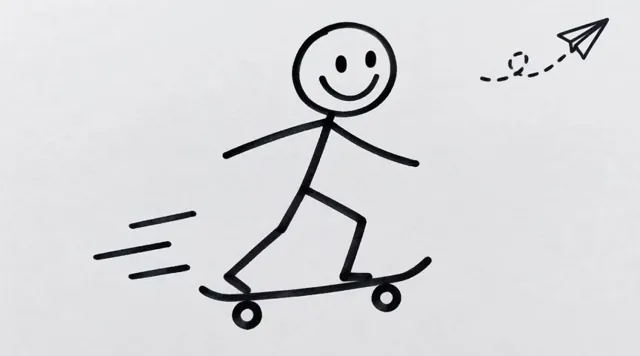
Your drawing
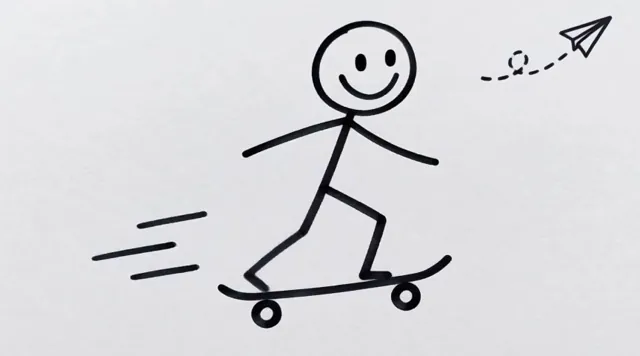
1.5 s
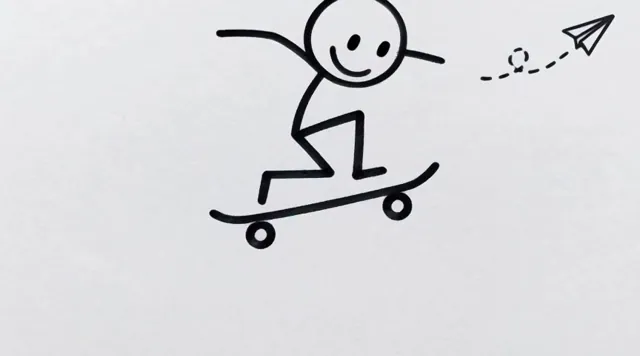
3 s
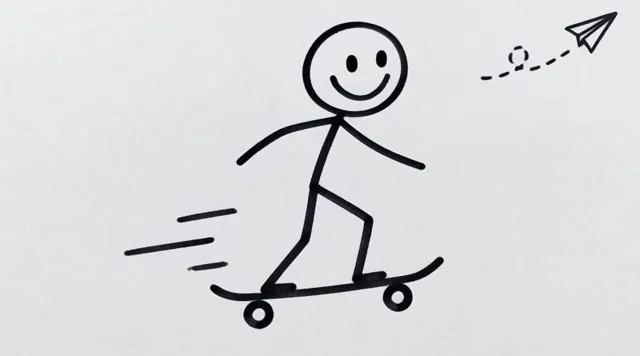
4.5 s
Drawing Animation Maker
This drawing animation maker runs in your browser. Before you start, you choose:
- Motion
- Your own words, or a preset such as Wave, Clap, Nod or Bow
- Length
- 2 to 15 seconds
- Quality
- 480P or 768P
- Shape
- Landscape, square or portrait, such as 16:9, 1:1 or 9:16
- Last frame
- Optional: a second picture for the video to end on
Animate Your Sketch
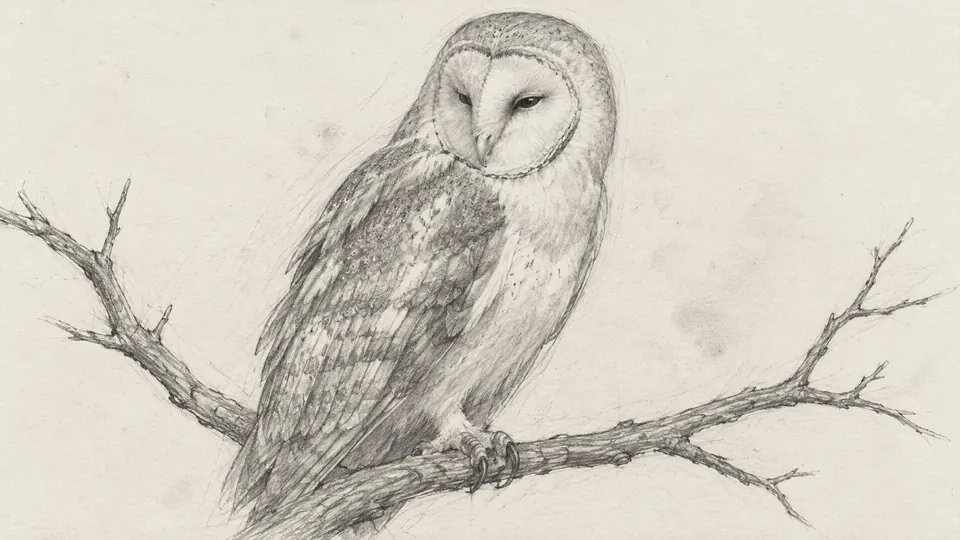
Animate a sketch without inking or coloring it first. This sketch animator works from pencil sketches and line drawings, which can stay black and white as they move, with the shading, construction lines and paper texture still in place.
Tip: add "keep the pencil sketch style, no color" to your prompt, so the AI sketch animation stays a sketch.
Your sketch
Animated
Animate Drawing Online vs App
Most animate drawing apps have to be installed from an app store first. This one works online: open the page in your phone's browser, take a photo of the drawing and upload it.
| Topic | Online, on this page | A mobile app |
|---|---|---|
| Install | Nothing to install | Download it from an app store first |
| On a phone | In the phone's browser, with a photo from the camera or the photo library | In the app |
| On a computer | In any browser | Only if the app has a desktop version |
| Your videos | In My Creations on every device you sign in on | Depends on the app |
Make Animated Drawings Free
- Free credits for new accounts, enough for a first short animation
- No credit card to sign up
- Credits returned if a generation fails
Longer clips and higher quality cost more credits; the panel shows the exact number before you start.
Doodle Animation
Doodle animation works with the simplest drawings: a stick figure, a doodle in a notebook margin or a few lines on a sticky note. To animate a doodle, describe how it should move, and add "plain black lines, no color" to keep it looking like a doodle.
Animate Drawing FAQ
How do I animate my drawing?
It takes three easy steps: upload a photo or scan of your drawing, describe how it should move (or tap a preset such as Wave), and start the animation. When it is ready, download the video as an MP4. The same steps animate a line drawing, a doodle or a pencil sketch.
What software do I need to animate a drawing?
None. This drawing to animation AI runs in a web browser such as Chrome, Safari, Edge or Firefox, on a phone or a computer. You only need an account to start a generation.
Can I animate my child's drawing?
Yes. AI drawing animation works well with kids' drawings: crayon pictures, doodles and drawn characters such as people and animals. Accounts are for adults, so a parent signs up and uploads the drawing. Each upload passes an automatic content check, is deleted within 48 hours and is never used to train AI models.
How long does it take to animate a drawing?
Most animations are ready in about two minutes. You can stay on the page while it works, and the finished video is also saved in My Creations.
Can I add a voiceover to my animated drawing?
Not inside the tool. The video comes with sound the AI makes to match the scene, such as rain, footsteps or a dog's bark, but you cannot record or choose a voice. To add narration, open the MP4 in a video editor and record your voice over it.
Ready to Animate Your Drawing?
No credit card required